How do I invite a team member?
Last updated: January 9, 2025
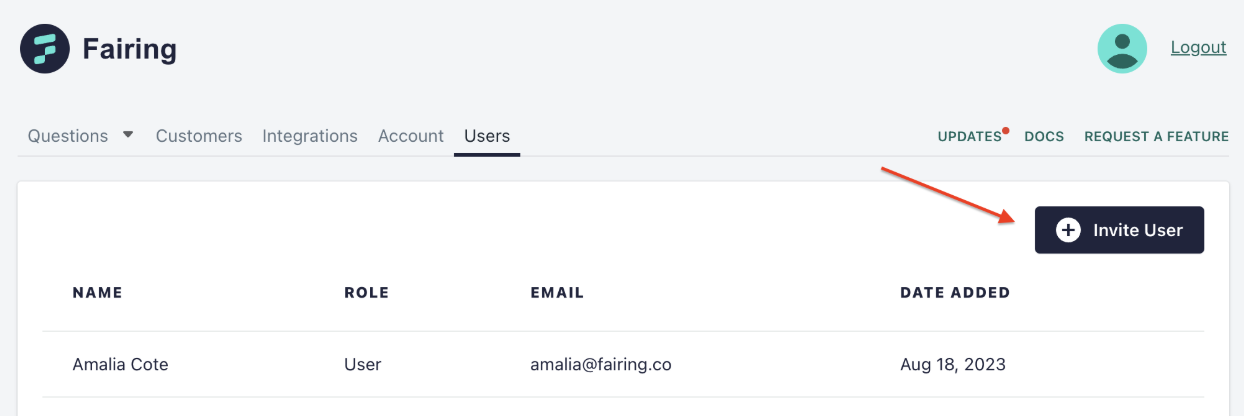
To invite a team member navigate to the “Users” tab in your Fairing app. Once in the Users tab, click “Invite User” add your team members email. The team member will receive an email with a link to accept the invite. Once accepted they’ll be able to login to Fairing at app.fairing.co/login using their email.