How do I change my response options?
Last updated: January 9, 2025
To change your response options, navigate to the question edit page of the question you would like to update.
Add New Responses
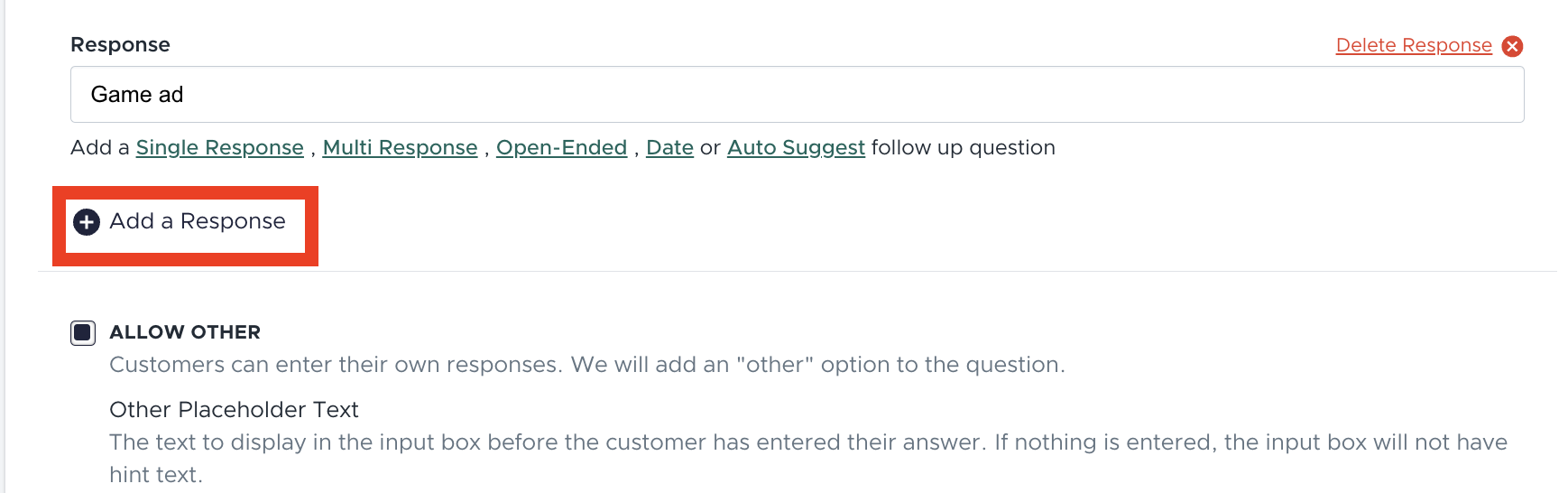
To add new responses, there will be an "Add a Response" button following your last response. Click this to add a new top level response.
Edit Existing Responses
To edit existing responses you can edit the text in the response box and save your question. Once you make this edit your analytics will only show for the new response option, historical data will not be included. If you would like us to migrate historical data to the new response please reach out to the Fairing team and we will merge the data.
Delete Response Options
To delete a response simply click the "Delete Response" button next to the response you would like to delete. This data will appear in your historical analytics, but the response will not be present in your analytics moving forward.